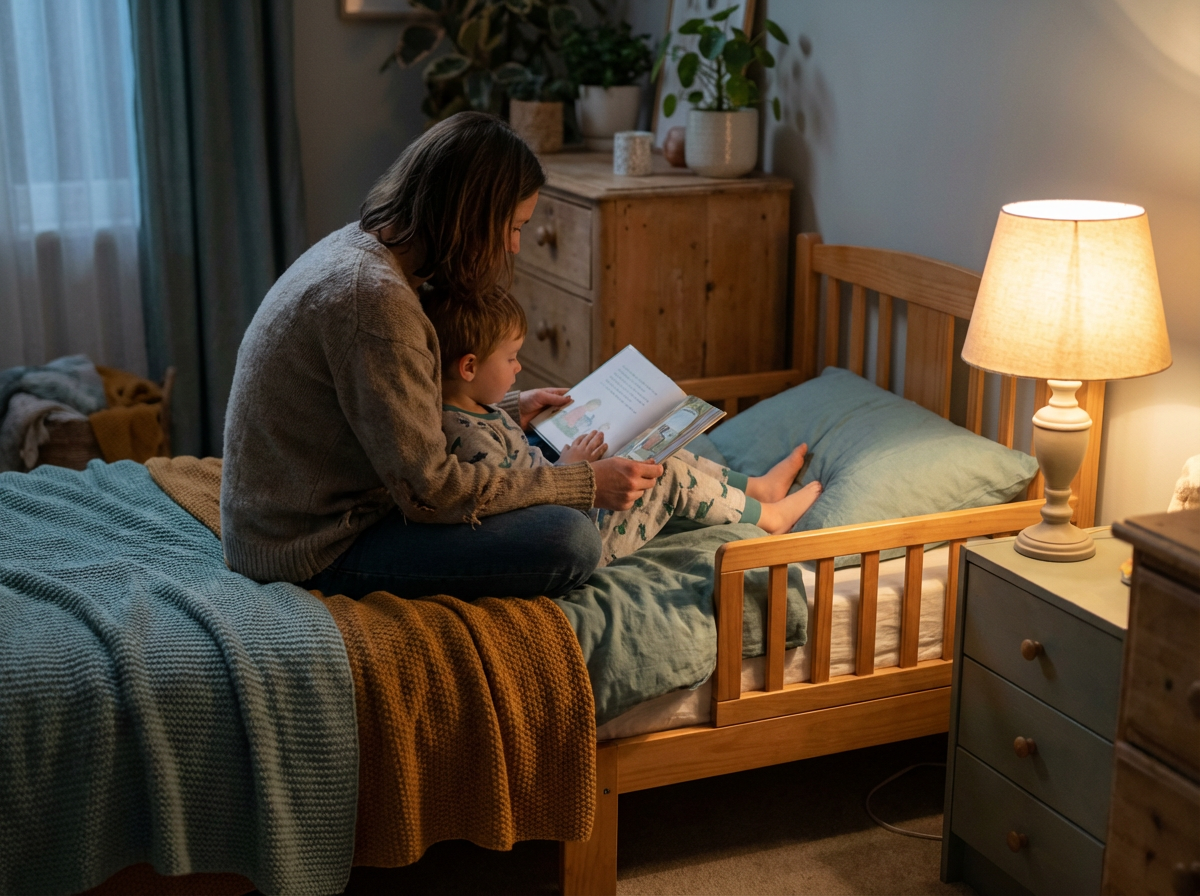
You do bedtime. You do the stories. You do the lights out. And still: they're wide awake, wiggly, and popping out of bed saying "I'm not tired."
Then you realize they had a show, YouTube, or a game not long before bed. It's tempting to think: "Screens are ruining sleep." Sometimes, yes. But the good news is you don't need a perfect, screen-free life to fix this. You need a repeatable wind-down plan that helps your child's brain and body shift into sleep mode.
Want bedtime scripts and wind-down ideas ready to go? Try Digital Age Parenting free
Why Screens Before Bed Make Sleep Harder
1. Stimulation (the brain stays "on")
Even "calm" content can keep a child's brain alert: fast visuals, cliffhangers, rewards, emotional intensity. When the screen ends, their body may be in activation mode, not sleep mode.
2. Habit (screens become the sleep cue)
If screens are part of the bedtime routine, your child's brain treats them like a required step. Remove screens and they don't know how to settle.
3. Timing (too close to lights out)
When screens happen right before bed, there's no buffer for decompression. Even if blue light isn't the only factor, the timing often is.
Signs Screens Are Affecting Your Child's Sleep
Takes 30 to 60+ minutes to fall asleep after screen time
More bedtime stalling (one more drink, one more question)
More emotional outbursts at bedtime
Waking overnight and asking for screens
Harder mornings (cranky, slow to wake)
The Bedtime Fix: A Simple "Screen-to-Sleep" Routine
Try this for 7 to 14 days. Consistency matters more than intensity.
Pick a 'screens off' time
Little kids (2 to 6): 60 min before lights out. Elementary (7 to 10): 45 to 60 min. Tweens (11 to 12): 30 to 60 min + device out of bedroom. If that feels impossible, start with 30 minutes and build.
Script: "Screens turn off at 7:30. That's our family rule so your brain can get sleepy."
Create a device 'home base' outside the bedroom
Devices charge in the kitchen or living room, not bedrooms. Reduces sneaking, reduces late-night stimulation, makes bedtime less negotiable.
Script: "Phones and tablets sleep in the kitchen. You can see them in the morning."
Use a 3-part wind-down menu
Choice lowers resistance. Pick one from each: Body calm (bath, stretching, wall pushes, cuddle + deep breaths). Brain calm (read aloud, audiobook + coloring, simple puzzle, journaling). Connection calm (one connection question, best part/hardest part check-in, gratitude round).
Script: "Screens are done. Pick your wind-down: body calm + brain calm. Then we do one connection question."
Add a 'bridge' activity if your child gets wired
Some kids need a buffer between stimulation and sleep. Try: snack + water, 5 minutes outside on the porch, a reset walk down the hallway, or a 2-minute tidy-up with a timer.
Script: "Let's do a quick reset before wind-down. Snack, water, then we start."
Use the same 2 to 3 bedtime scripts every night
When you change your words every night, kids keep testing. Pick a few and repeat them calmly every single night.
Script: "I love you. It's sleep time. I'll see you in the morning."
The goal isn't fewer screens. It's more connection and better sleep.
When Your Child Melts Down at Screen-Off Time
Treat it like a transition (because it is).
Step 1: Name it: "You're mad. Stopping is hard."
Step 2: Hold it: "Screens are still done."
Step 3: Regulate: "Hug or space? Want to stomp 10 times or squeeze a pillow?"
What If They Say "But Screens Help Me Relax!"
Script: "I get it. Screens feel relaxing. Tonight we're using a different relax tool so your body can actually fall asleep." Then offer the wind-down menu.
Quick Checklist
Screens off 30 to 60 minutes before lights out
Devices charge outside bedrooms
Predictable wind-down menu (body + brain + connection)
Same scripts every night
Bedtime routine stays screen-free
Want Bedtime to Feel Easier?
Quick scripts for the moment screens turn off, connection questions that help kids settle, and screen-free wind-down ideas. All in one app.
Try Digital Age Parenting FreeKeep Reading

Enjoyed this article?
Get practical, research-backed parenting tips delivered to your inbox. No spam, just articles worth reading.
We respect your privacy. Unsubscribe anytime.